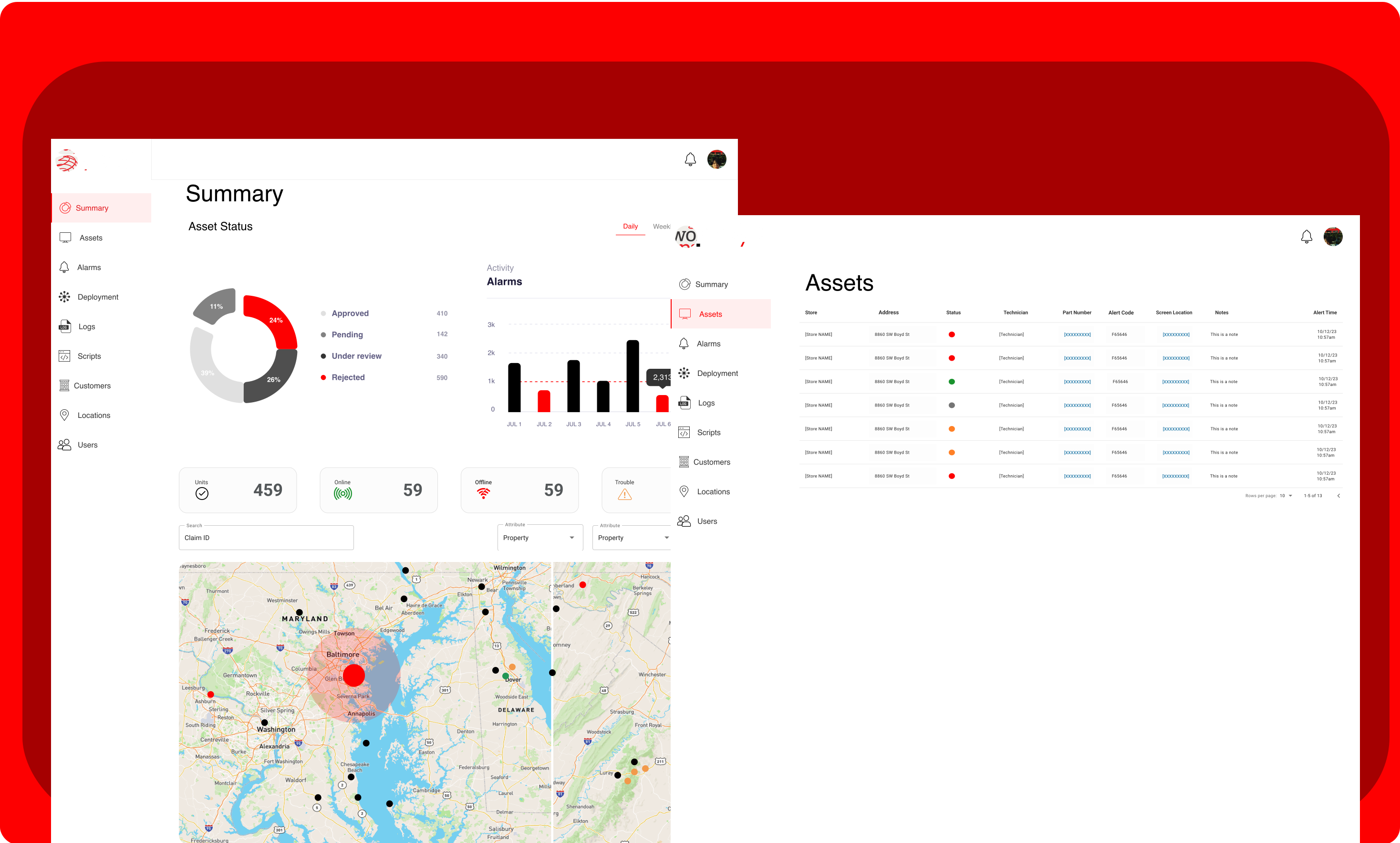



Summary
The concept: to enhance the grocery shopping experience by replacing standard grocery freezer doors with digital "cool screen" doors that have a 4k display of each product photo and quantity left in stock.
Verizon was in need of an application to supervise, service, and troubleshoot all of these devices remotely.
The management software was built using Losant’s IoT platform, which provided the backend infrastructure to monitor and control the devices remotely.We used Losant's IoT Platform to manage and maintain the equipment.
My Role
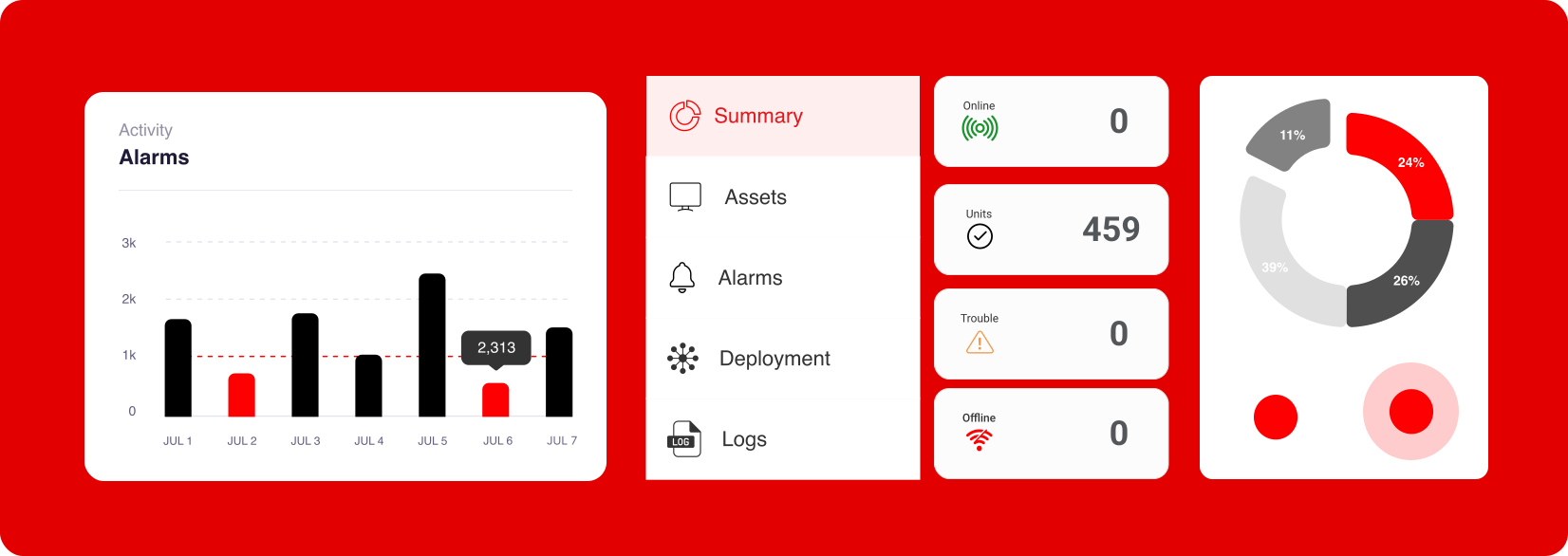
As the Lead UX Designer, my focus was on designing the software the Verizon technicians and store operators use to manage the Cool Screens network. This included building tools for remote device management, ad scheduling, real-time diagnostics, and system health monitoring.
Details
- Role: Lead UX Designer
- Project Name: Verizon Conditioned Based Management / Cool Screens
- Type: Desktop, Mobile App
- Software: Adobe XD, Jira, Confluence
- Project Date: February 2020 - July 2020
- Company: LOSANT
- Client: VERIZON
How it Works
COOL SCREENS
Cool Screens transform traditional cooler doors into interactive digital displays. Using motion sensors and cameras, they showcase real-time product visuals, prices, promotions, and dynamic advertisements—no door opening required.

UX Process - Step 1
Discovery
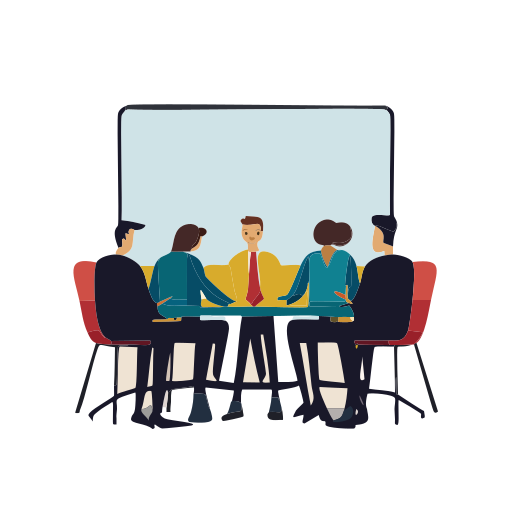
Research and Discovery
Data Visualization:
Losant’s unique combination of low-code development and remote deployments greatly reduces the complexity and time to market for your edge computing requirements.
Below is an example of the data that is retrieved in the back-end when indicating Asset warnings and alerts.
These workflows start with a trigger, and that trigger includes a payload. The purpose of the workflow is to make decisions based on this payload, modify the data if needed, and eventually result in some kind of output.

UX Process - Step 2
User Journey
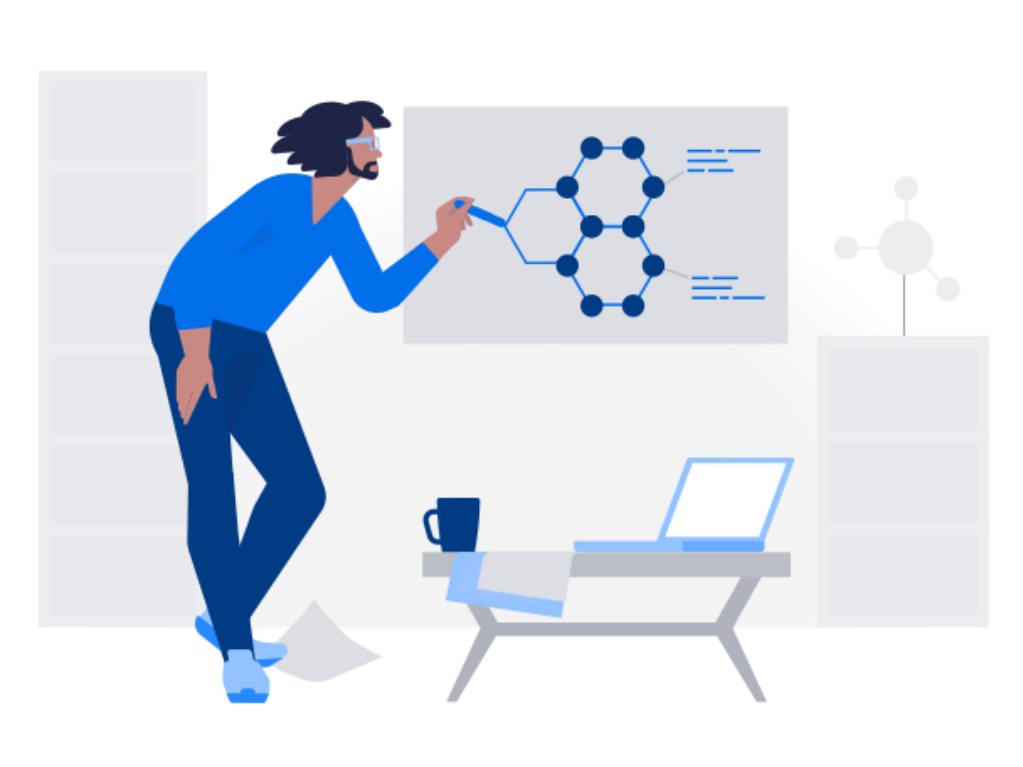
Pain Points and Challenges
UX Process - Step 3
Low Fidelity Wireframes


Feedback
UX Process - Step 4
Prototype Desktop

Prototype Mobile

UX Process - Step 5
Design System
UX Process - Step 6
Design Handoff & Developer Collaboration
Once the high-fidelity designs were finalized, I prepared a thorough handoff package for the development team. This included detailed Figma files with organized components, consistent design tokens, interaction specs, and responsive behavior notes. I conducted a walkthrough session with the developers to align on functionality, clarify any areas of complexity, and address edge cases.
Throughout the build process, I stayed closely involved—attending regular standups and syncing directly with developers to ensure accurate implementation. I reviewed staging builds, provided visual QA, and made adjustments based on technical constraints when necessary. This close collaboration helped maintain design integrity while supporting a smooth and efficient handoff-to-launch workflow.